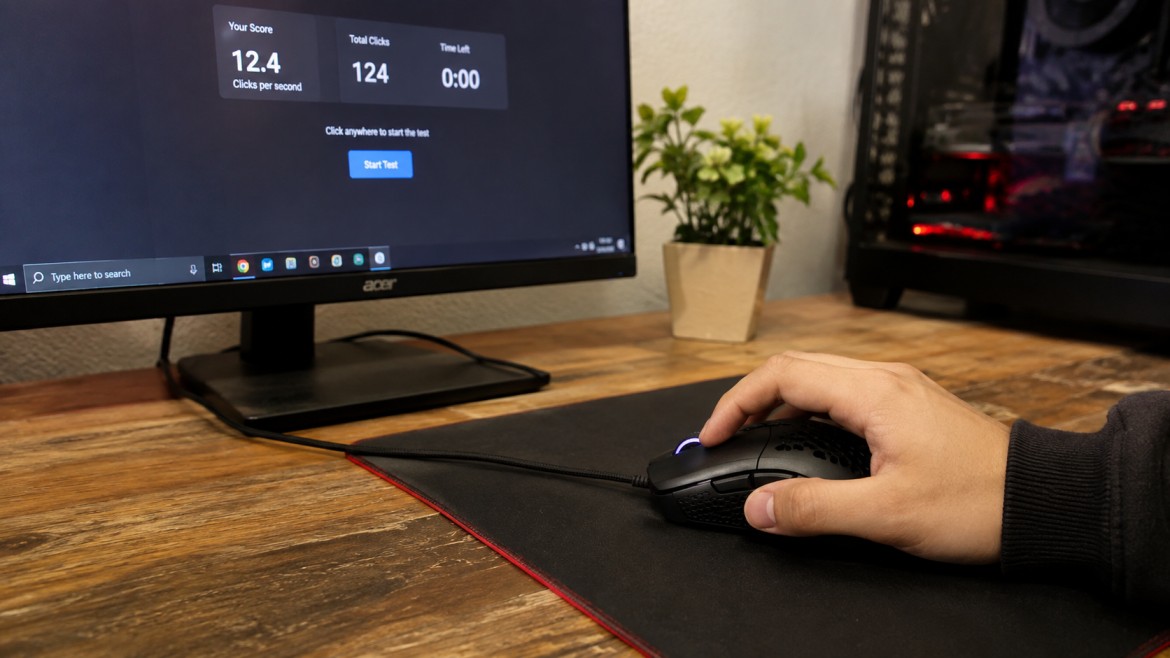
If you want to increase your mouse click speed, the best approach is to improve your technique, hand position, and practice routine. Many people think the only way to click faster is to move their finger as quickly as possible. In reality, good clicking speed usually comes from smooth movement, a comfortable grip, and regular practice.
A Click Test can help you measure your current speed and track your progress. Your score may change depending on the test length, the mouse you use, and the clicking technique you choose. Short tests can show your fastest burst, while longer tests can show how well you maintain your speed.
The goal is not to chase one lucky score. It is better to build steady speed that you can control. With the right practice, you can improve your clicking skills and get more consistent results over time.
What Is Mouse Click Speed?
Mouse click speed is the number of times you can press a mouse button during a set amount of time. It is usually measured in Clicks Per Second, also known as CPS.
For example, if you make 50 clicks in 10 seconds, your average result is 5 Clicks Per Second. This gives you a simple way to measure your performance and compare your results from one practice session to another.
Your score can change for several reasons. Your clicking method, hand position, mouse button, test duration, and comfort level can all affect the result. That is why one very high score does not always show your normal clicking ability.
A click speed test can help you find your starting point. Once you know your usual score, you can practice and check whether your speed is improving. Looking at your average result is often more useful than focusing only on your highest score.
How to Increase Mouse Click Speed
Improving your click speed does not happen in one session. Small changes in your technique can make a real difference when you practice them regularly.
1. Use a Comfortable Mouse Grip
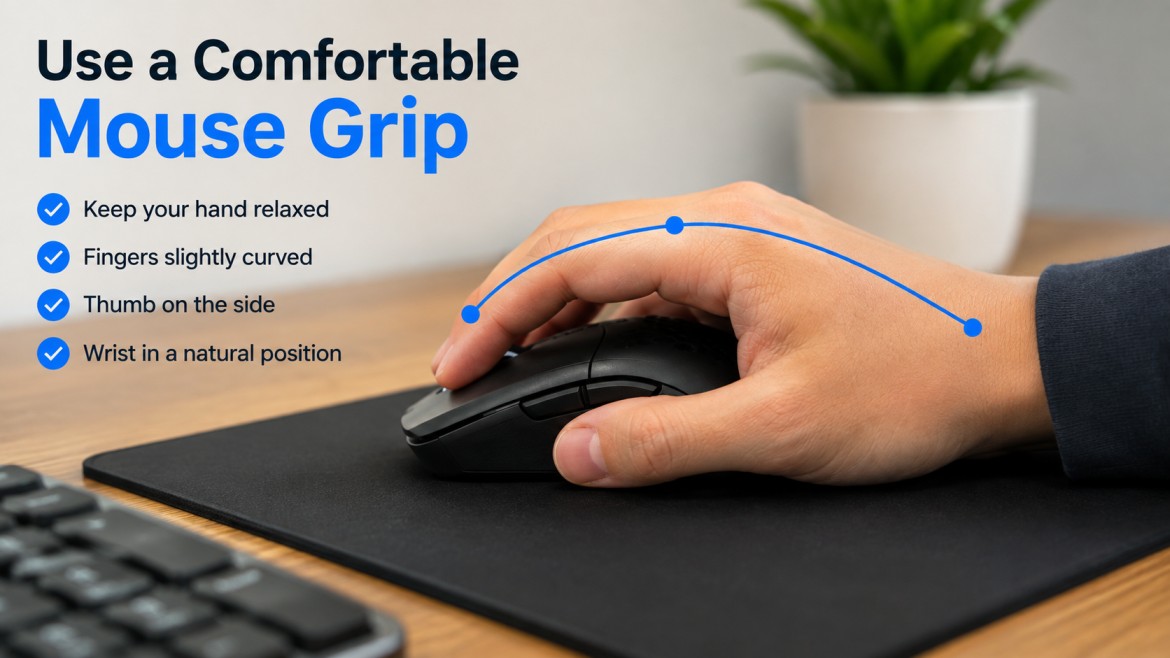
Start with a grip that feels natural for your hand. If you hold the mouse too tightly, your fingers may become tense and your movement can feel slower.
Keep your hand stable and allow your clicking finger to move freely. You do not need to press the button with extra force. Focus on a quick and smooth press-and-release movement.
Try to keep your wrist and hand relaxed while clicking. A comfortable grip can make it easier to maintain your speed during longer practice sessions. It can also help you keep better control of the mouse while you work on your CPS.
2. Reduce Unnecessary Movement
Large hand movements can waste energy when you are trying to click quickly. Your clicking finger should do most of the work while the rest of your hand remains steady.
Try not to move your entire arm every time you press the mouse button. Instead, use small and controlled finger movements. This can help you create a smoother clicking rhythm.
At first, the difference may feel small. However, better control can help you click more consistently over time. Practice the same movement until it feels natural instead of forcing your hand to move faster.
3. Practice in Short Sessions
Long periods of nonstop clicking are not always the best way to improve. Short practice sessions can help you focus on your technique without becoming too tense.
You can start with a few short rounds. Take a five-second test, record your score, rest briefly, and then repeat. This gives you several results that you can compare.
A CPS Test Online is useful for this type of practice because it can quickly show how many clicks you made during a selected time. Try to use the same test length when comparing your results.
Do not worry if every score is slightly different. Look at your average instead of expecting the same number every time. Small changes are normal, especially when you are testing your speed over several rounds.
4. Try Different Clicking Techniques
Different clicking methods can produce different results. There is no single technique that works best for everyone, so it can be useful to try a few methods and see which one feels comfortable.
Normal Clicking
Normal clicking uses one finger to press the mouse button in a regular motion. It is simple, easy to learn, and gives good control.
This method may not produce the highest score for every person, but it can help you develop a steady rhythm. It is also a good starting point if you are new to speed practice.
Jitter Clicking
Jitter clicking uses quick hand and finger movement to produce faster clicks. Some players use this method when they want a higher CPS during a short period.
However, control can become more difficult if the movement is too aggressive. Focus on staying comfortable instead of trying to force every click.
Butterfly Clicking
Butterfly clicking usually involves alternating two fingers on the same mouse button. This can create a quick and steady rhythm for some users.
Results may depend on the mouse and how comfortably you can use the technique. Practice slowly at first and increase your speed as the movement becomes more natural.
Drag Clicking
Drag clicking involves moving a finger across the mouse button in a way that can create multiple click signals on certain mice. It does not work the same way with every device.
Some games or servers may also have rules about rapid clicking methods. Always check the rules before using a specific technique in competitive play.
5. Test Both Short and Long Durations
A one-second score does not tell the whole story. You may be able to produce a very fast burst for one second but struggle to keep the same speed for 10 seconds.
Short tests can show your maximum speed. Longer tests are more useful for checking consistency and control.
Use a CPS Test Online with different time limits to understand both parts of your performance. You can take a short test first and then try a longer one.
For example, compare your score from a one-second test with your average result from a 10-second test. This can help you understand whether you need to work on raw speed or your ability to maintain a steady rhythm.
Does DPI Increase Mouse Click Speed?
DPI does not directly increase your physical clicking speed.
DPI changes how far the cursor moves when you move your mouse. A higher DPI can make the cursor travel farther with less hand movement, while a lower setting can make the cursor move more slowly.
A comfortable DPI setting may improve your mouse control during a game, but it will not automatically increase your Clicks Per Second. If your goal is to click faster, focus on your finger movement, clicking technique, and practice routine.
Choose a sensitivity that feels comfortable for your normal use. Once you find a setting that gives you good control, avoid changing it too often while you practice.
6. Track Your Average Score
One unusually high score can be exciting, but it does not always show your normal performance.
Take several tests and record your results. Then compare the average instead of looking at only the best number.
You can follow a simple routine:
- Take a five-second cps test.
- Record your result.
- Rest for a short time.
- Repeat the test three or four times.
- Compare your average score.
- Repeat the routine on another day.
This method gives you a clearer picture of your progress. A Click Test becomes much more useful when you use it to track improvement instead of trying to break your personal record every time.
If your average score slowly improves over several practice sessions, that is a better sign of progress than one unusually high result.
What Is a Good Click Speed?
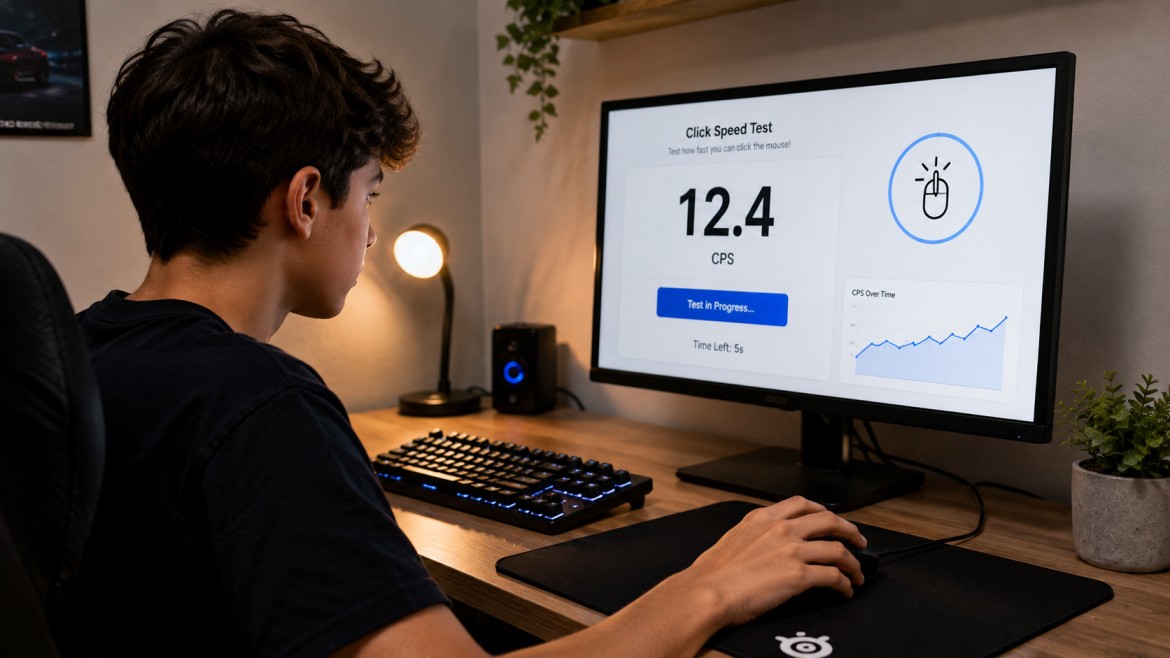
There is no single perfect score because every person and setup is different.
Your result can depend on your clicking technique, mouse button, test duration, level of practice, comfort, and the way the tool records clicks.
Instead of comparing yourself with every score you see online, start by finding your own baseline. Take several tests and see what result you normally achieve.
A click speed test can help you measure this progress over time. Even a small improvement in your average score can show that your practice is working.
Focus on building a result that you can repeat. A steady score is usually more useful than getting one high score that you cannot achieve again.
7. Focus on Speed and Control Together
Clicking quickly is useful only when you can still control your mouse.
In many games, aim, timing, and accuracy matter as much as fast clicking. A player who clicks very quickly but cannot control the cursor may not perform better than someone with a lower CPS and better accuracy.
Try to improve speed without losing control. Use short practice sessions and pay attention to your hand movement. Keep your grip relaxed and avoid unnecessary motion.
A clicking test can help you measure your speed, but your actual performance may also depend on how accurately you can use that speed. Work on both skills together for better overall results.
Can Your Mouse Affect Your Clicking Speed?
Your mouse can affect how comfortable clicking feels. The size, shape, weight, and button feel may change the way you use it.
A comfortable mouse may help you practice for longer and maintain better control. However, buying a new mouse does not guarantee that your score will suddenly increase.
Good technique and regular practice are usually more important than expensive hardware. Choose a mouse that fits your hand comfortably and has buttons that feel easy to press.
If your current mouse feels uncomfortable, changing your setup may help. However, give yourself time to adjust before judging your new results.
Common Mistakes That Can Limit Your Speed
Clicking With Too Much Tension
A tense hand can make quick movement harder. Keep your grip comfortable and avoid pressing the mouse with more force than necessary.
Practicing Without Tracking Results
Random practice makes it difficult to know whether you are improving. Use a click speed test and record your results over time.
Chasing Only One High Score
Your highest result is not always your normal result. Track your average score to get a more realistic view of your performance.
Ignoring Longer Tests
Fast bursts can be useful, but consistency also matters. Try both short and longer tests.
Changing Settings Too Often
Constantly changing your mouse settings can make it harder to develop a consistent technique. Find a comfortable setup and spend enough time practicing with it.
A Simple Practice Routine
You can follow this routine several times each week:
Step 1: Begin with relaxed clicking for a short warm-up.
Step 2: Take a short cps test and record your score.
Step 3: Rest briefly before starting another round.
Step 4: Repeat several times and compare your results.
Step 5: Try a longer test to check your consistency.
Step 6: Write down your average score.
Step 7: Compare your next session with your earlier results.
You do not need to practice for hours. Short and focused sessions can help you improve while keeping your technique under control. If your hand becomes uncomfortable, stop and take a break.
Conclusion
Improving mouse click speed takes practice, but the process is simple when you focus on the right areas. Use a comfortable grip, reduce unnecessary movement, try different clicking methods, and track your progress regularly.
A clicking test can help you understand your current performance and see whether your speed is improving. Do not focus only on one high score. Your average result and consistency give you a better picture of real progress.
With steady practice, better control, and a comfortable setup, you can improve your mouse skills over time. Build your speed gradually, keep your movements smooth, and focus on results that you can repeat consistently.